---
title: "Applications"
description: "Applications, client credentials, and redirect URIs."
canonical: "https://developers.fnlb.net/docs/developer-portal"
markdown: "/docs/developer-portal.md"
---
> ## Documentation Index
> Fetch the complete documentation index at: https://developers.fnlb.net/llms.txt
> Use this file to discover all available pages before exploring further.
# Applications
Applications are the OAuth2 clients for this account. Each one has its own client id, client secret, redirect URIs, and scopes. A personal API token is separate: that comes from your FNLB account, and it is covered in [Authenticating](/docs/authenticating.md).
## Create an application
Use **Applications** in the sidebar, or open [Applications](/).
Choose **Create Application** and give it a name. You land on its settings.
Copy the **client id** and **client secret**. The secret is shown so you can store it. Treat it like a password.
Open the **OAuth2** tab and add every URL that may receive an authorization code. The authorize URL on that tab is built from the redirect URI and scopes you select.
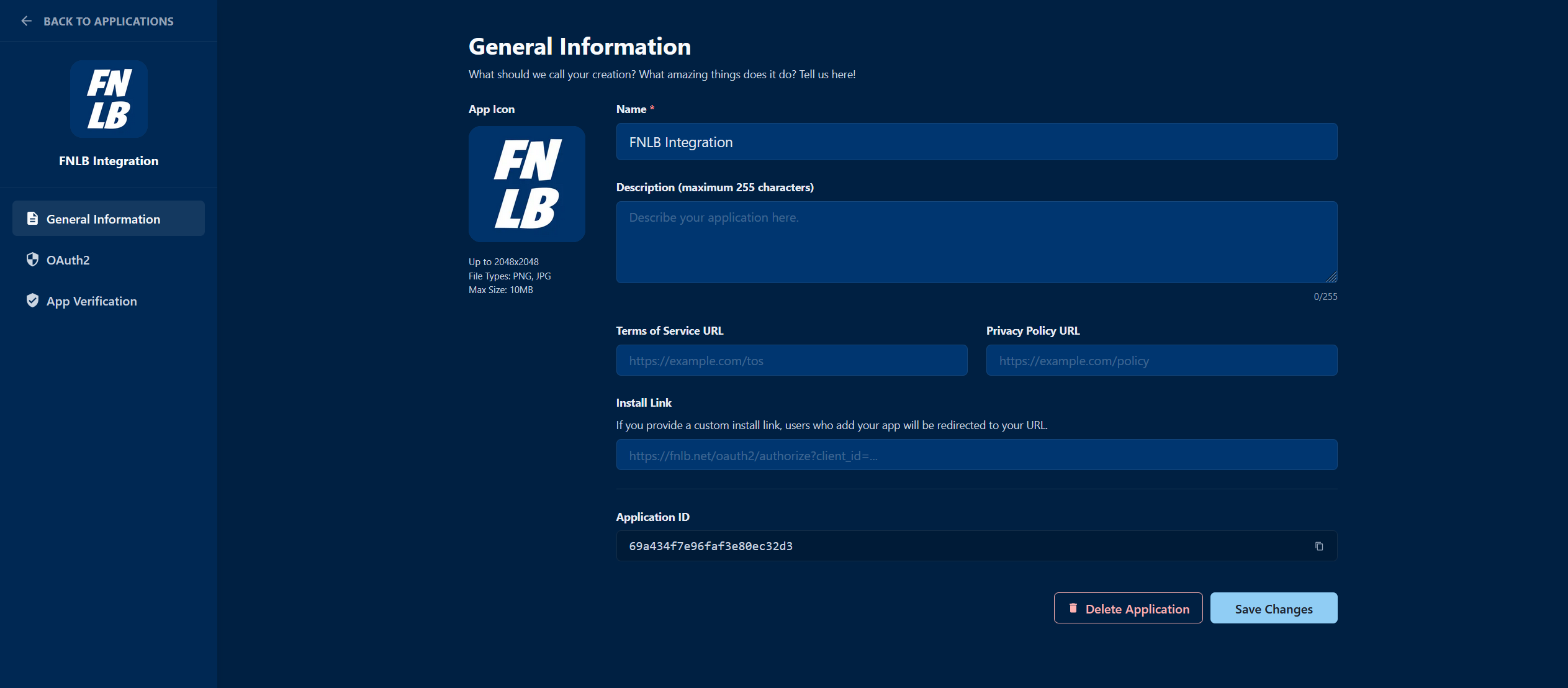
## What each field is for
- **Client id** identifies the application. It is safe to put in the authorize URL.
- **Client secret** proves the application when you exchange a code at [POST /oauth2/token](/api?method=POST&path=/oauth2/token). It starts with `FNLBOA2S_`. Send it from your server only.
- **Redirect URIs** are the only places FNLB will send a user after they approve the app.
- **Scopes** are the permissions users can grant. Turn a scope on here first. The authorize URL can only request scopes this application allows. The route then checks the token again. See [Scopes](/docs/oauth2.md#scopes).
If a client secret leaks, reset it on the OAuth2 tab. The old secret stops working immediately.
## Next
Send the user to the authorize URL and exchange the code.
Call the API with the access token you receive.